Advanced USB
FastestUSB debugging · Android 8+
The fastest copies. Changes on the phone show up in seconds.
Your Android phone in Finder. Over USB or Wi-Fi, with no cloud in between.
macOS 13 or later · Free to browse
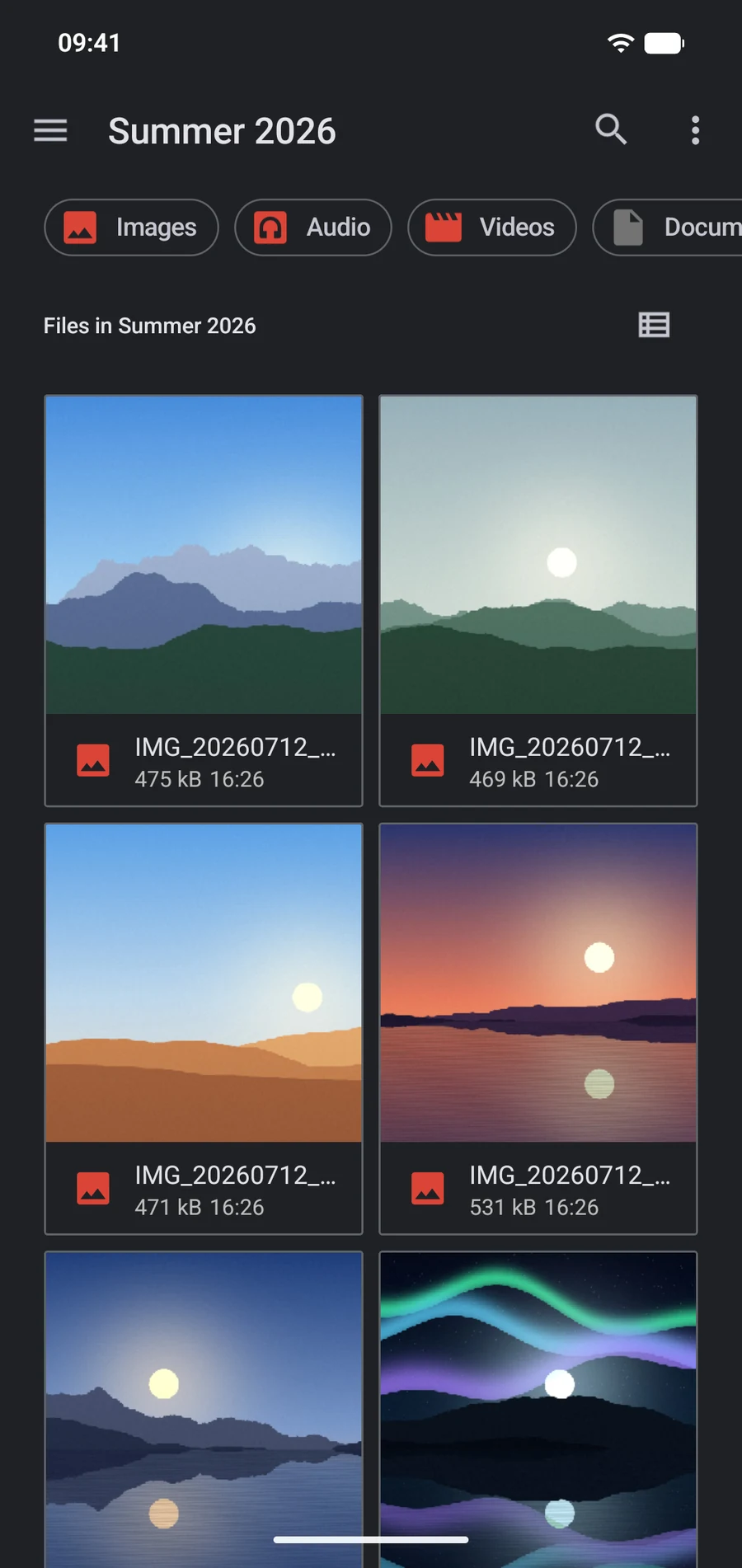
 IMG_20260712_…
 IMG_20260712_…
 IMG_20260712_…
 IMG_20260713_…
 IMG_20260712_…
 IMG_20260713_…
 IMG_20260713_…
 IMG_20260714_…IMG_20260712…IMG_20260712…IMG_20260712…IMG_20260713…IMG_20260712…IMG_20260713…
Speed test
Same Mac, same phone, same files. Pick a test to replay it.
| PortLine | MacDroid | |||
|---|---|---|---|---|
| USB debugging | 200 photos, Mac → phone | 12.8 s | 15.5 s | 1.2× faster |
| USB debugging | 200 photos, Phone → Mac | 4.7 s | 54.5 s | 11.5× faster |
| USB debugging | 10 videos, Mac → phone | 1:04.8 | 1:07.5 | 1.04× faster |
| USB debugging | 10 videos, Phone → Mac | 1:01.7 | 1:05.8 | 1.07× faster |
| File transfer | 200 photos, Mac → phone | 17.3 s | 19.4 s | 1.1× faster |
| File transfer | 200 photos, Phone → Mac | 13.3 s | 39.4 s | 3.0× faster |
| File transfer | 10 videos, Mac → phone | 1:08.3 | 1:59.4 | 1.7× faster |
| File transfer | 10 videos, Phone → Mac | 1:06.8 | 1:54.2 | 1.7× faster |
| Wi-Fi | 200 photos, Mac → phone | 13.0 s | 21.8 s | 1.7× faster |
| Wi-Fi | 200 photos, Phone → Mac | 19.6 s | 2:05.1 | 6.4× faster |
| Wi-Fi | 10 videos, Mac → phone | 1:34.8 | 2:25.9 | 1.5× faster |
| Wi-Fi | 10 videos, Phone → Mac | 17:52.1 | 20:38.1 | 1.2× faster |
Nothing Phone (3a) · MacBook Pro (M1 Pro) · MacDroid 2.10 · October 2026
Video
3 minutes · no sound
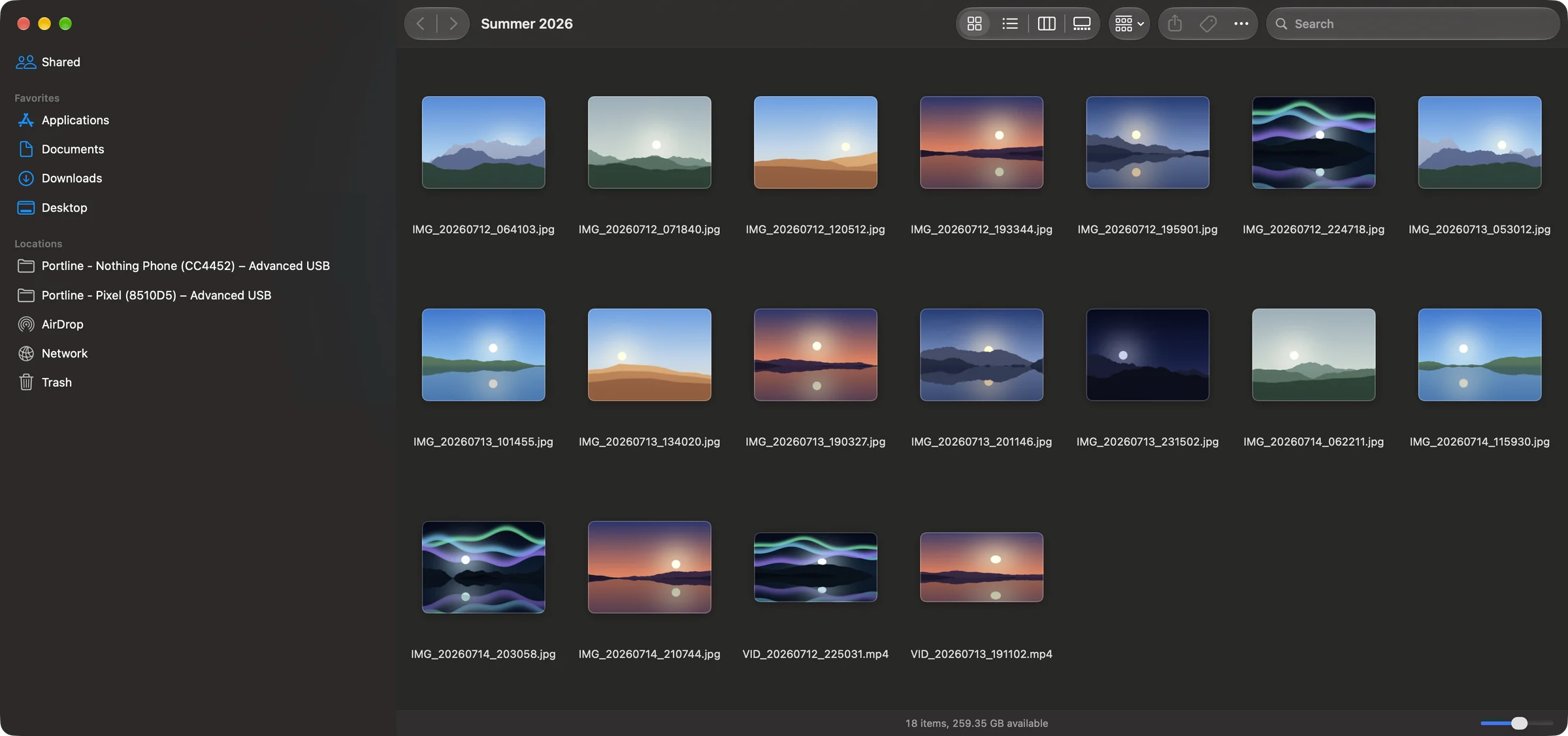
It's Finder
Plug in, and your phone shows up in Finder's sidebar. Drag, Quick Look and Open work as usual.
More tests
| PortLine | MacDroid | ||
|---|---|---|---|
| Open the next file in a folder | 1 ms | 610 ms | 610× faster |
| Copy a 200 MB folder off the phone | 5.7 s | 41.2 s | 7.2× faster |
| Open a file alone in its folder | 133 ms | 864 ms | 6.5× faster |
| Read 200 small files | 6.7 s | 24 s | 3.6× faster |
| A new file on the phone shows in Finder | 1.5 s | > 60 s | > 40× faster |
| Everyday tasks completed | 52/52 | 28/52 | +24 |
Waiting…✓ ShownNot shown after 60 s
Waiting…✓ ShownNot shown after 60 s
Saved on the phone, in a folder open in Finder. Clock runs 12× after 3 s.
Nothing Phone (3a) · Android 16 · USB
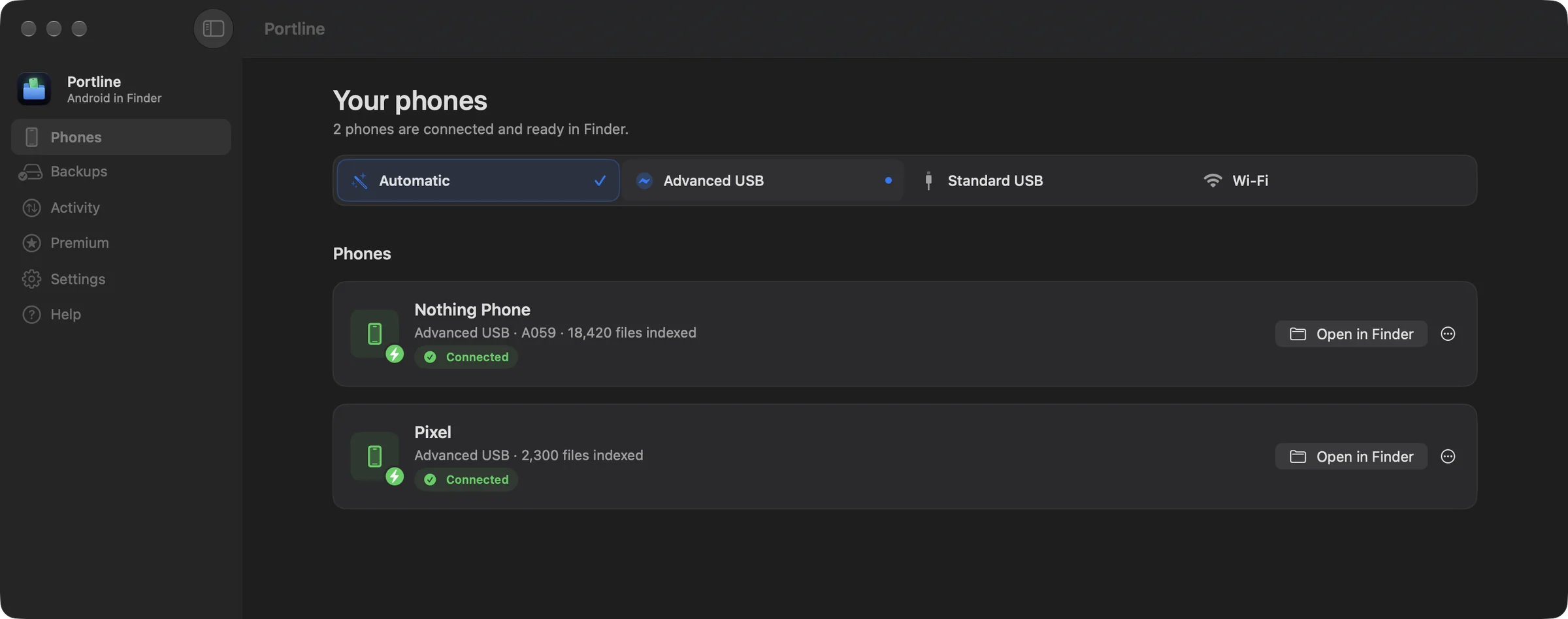
The app
Every phone, how it's connected, and one click to Finder.
Connections
USB debugging · Android 8+
The fastest copies. Changes on the phone show up in seconds.
File transfer mode
Works with almost any Android phone. Nothing to turn on.
Wireless debugging · Android 11+
Pair once with a QR code. Encrypted.
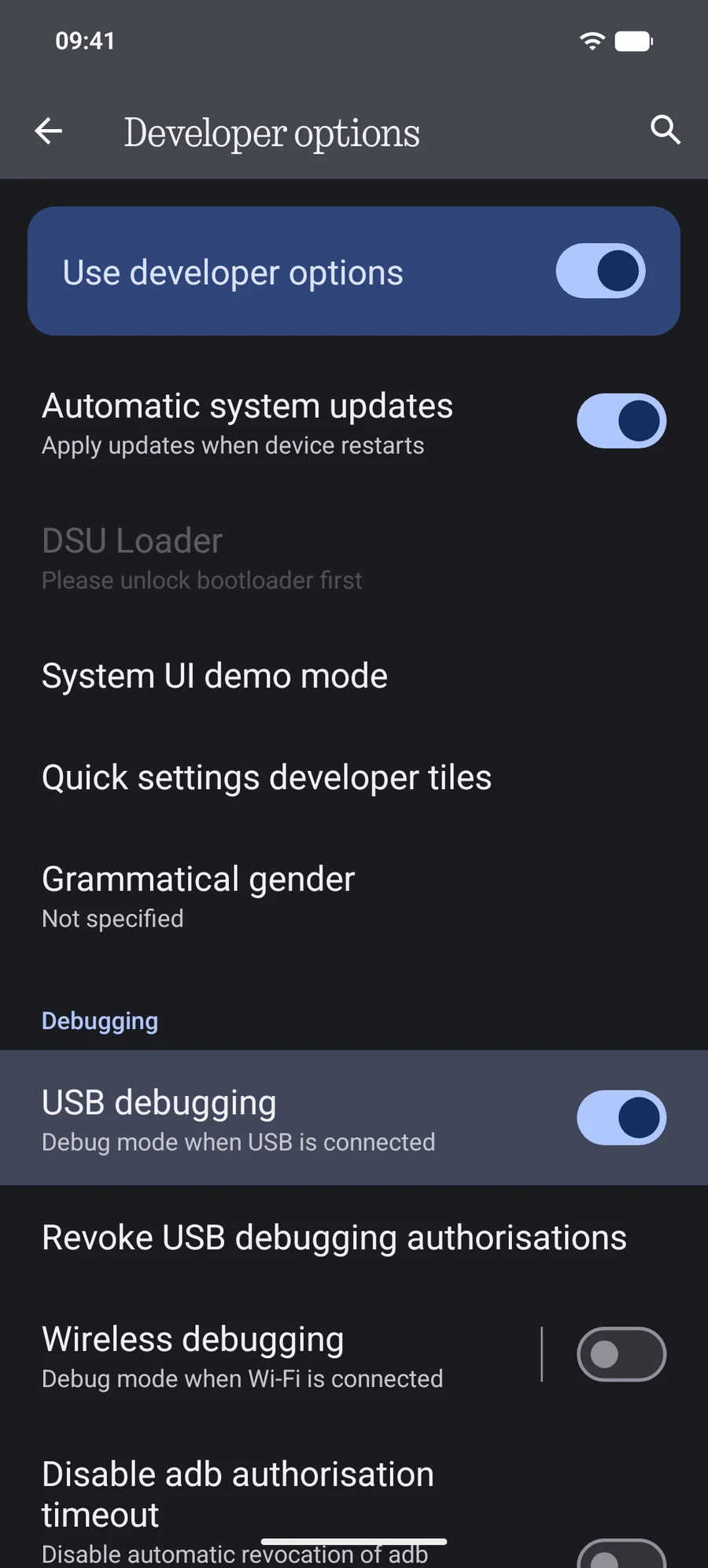
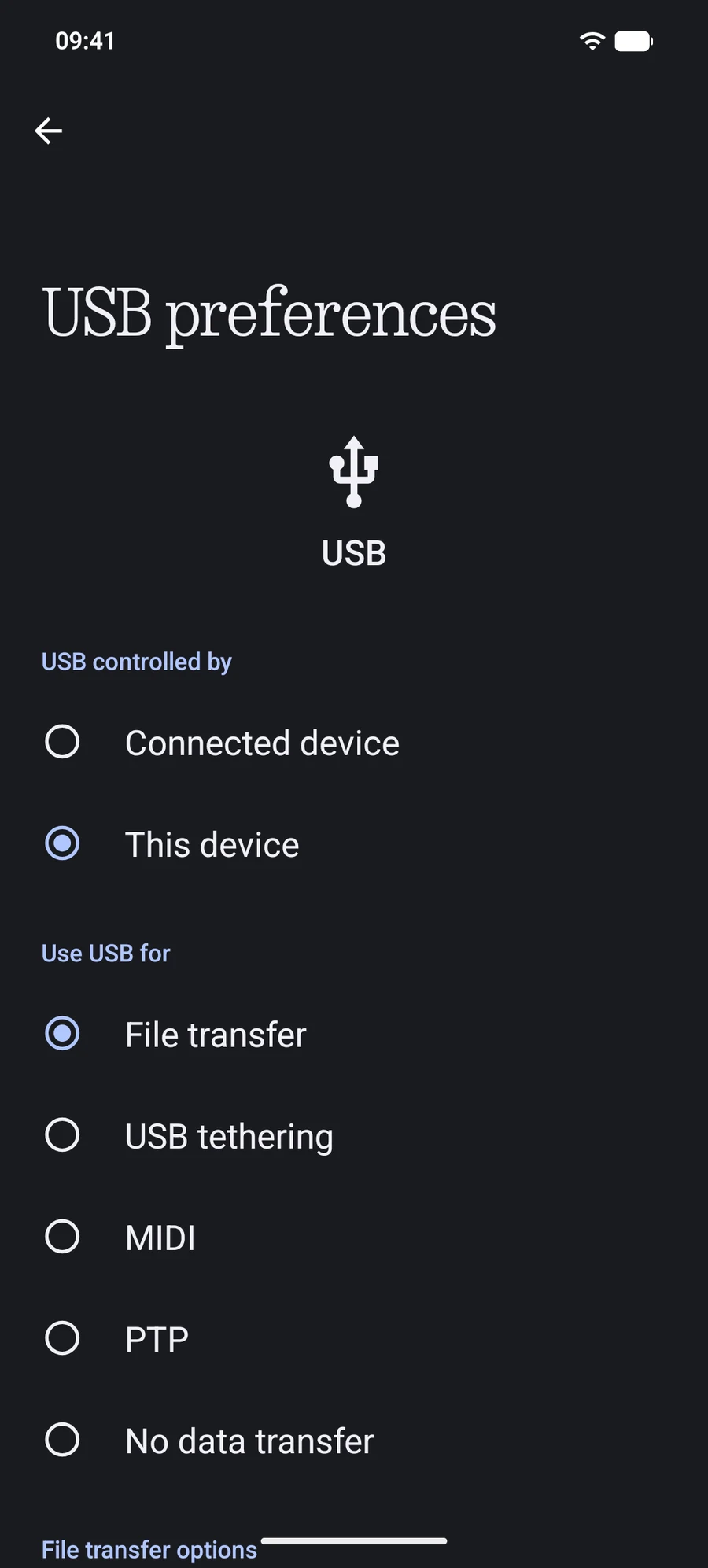
Automatic picks for you. Connection guide
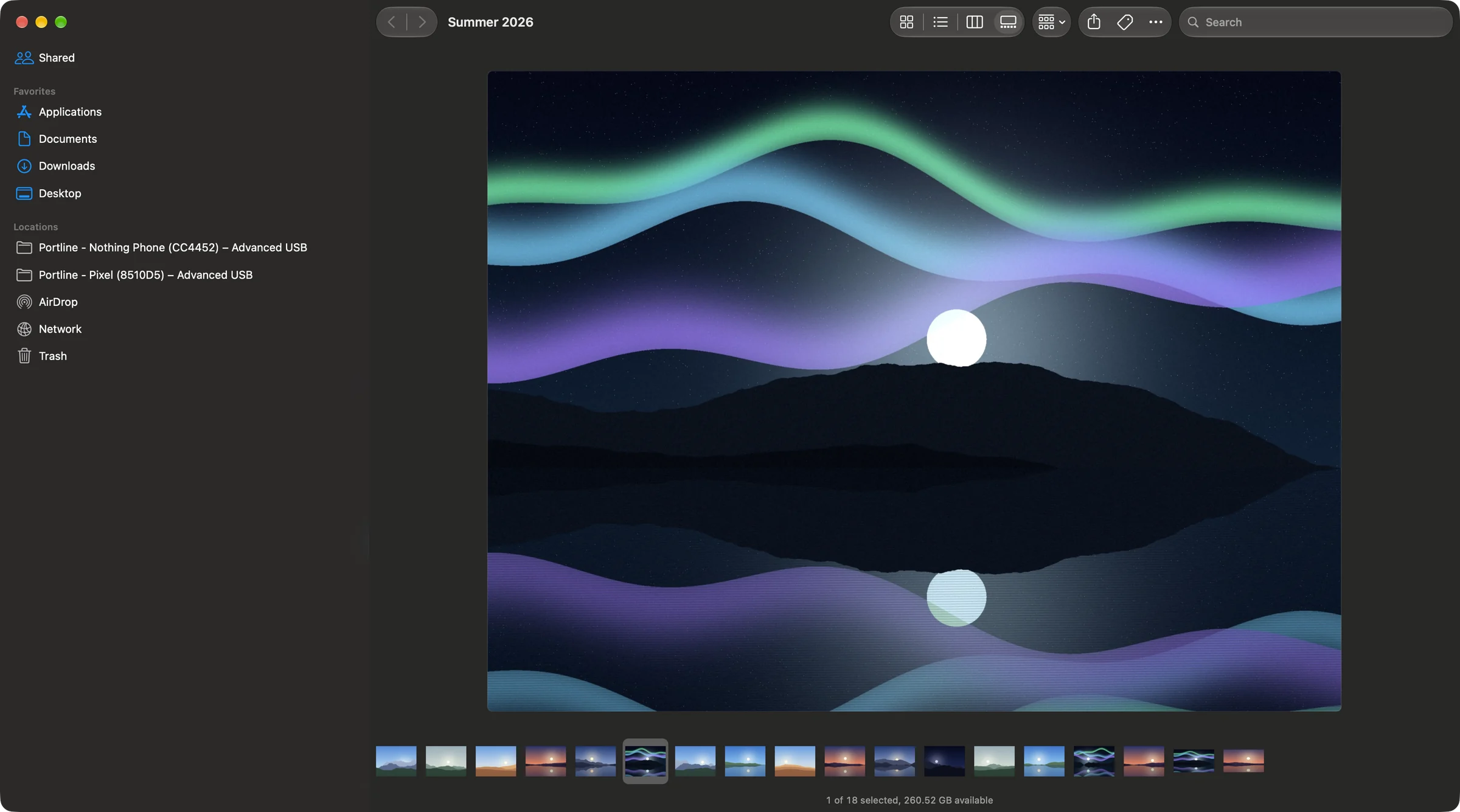
Open in place
PortLine loads the next photos ahead, so browsing feels instant.
Reliability
The copy resumes, every byte checked.
A file appears only once it's complete.
Keep room on the phone and the Mac.
Names Android rejects still copy.
Deleted files can come back.
2,000 files list in 3.4 seconds.
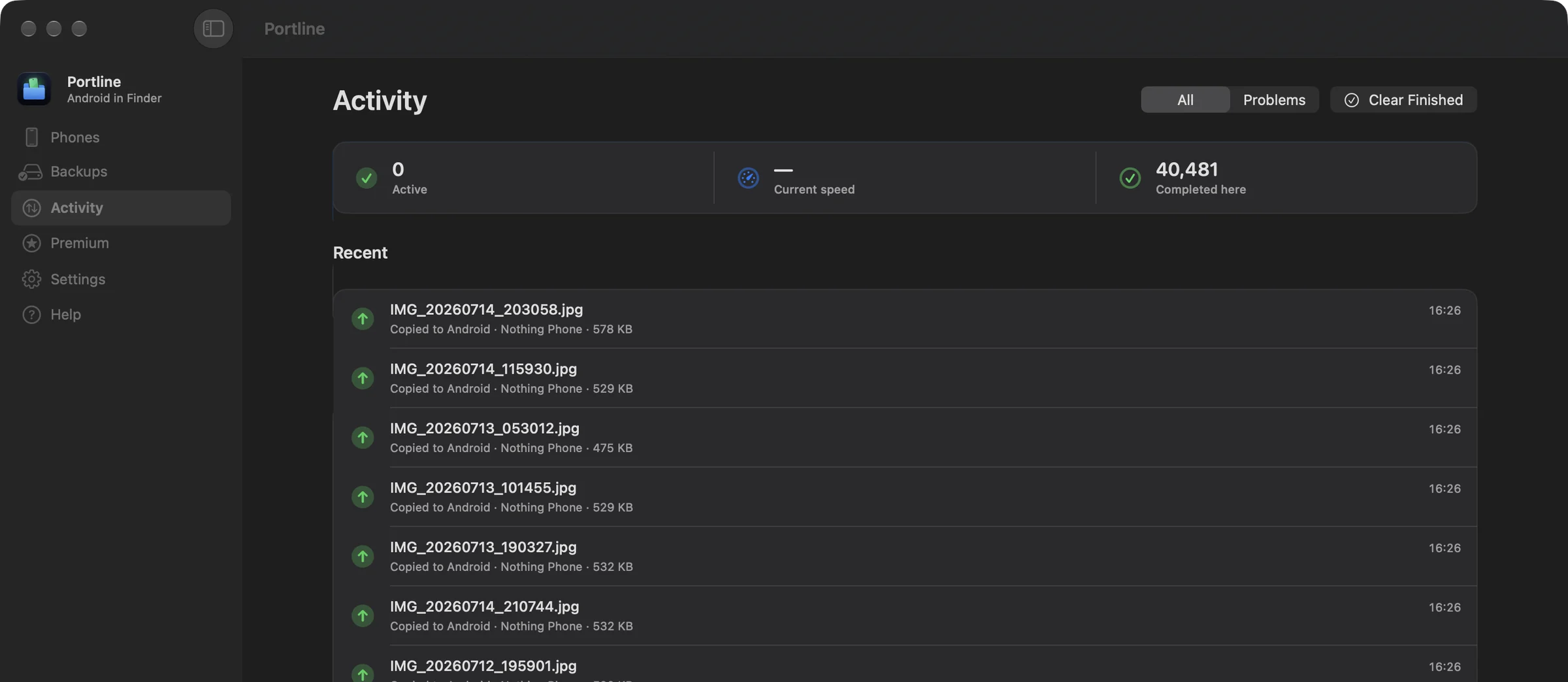
Activity
Size, speed, and anything that needs a look.
Backups
Pick phone folders. PortLine copies them to your Mac each time the phone connects.
How to back up an Android phone to a Mac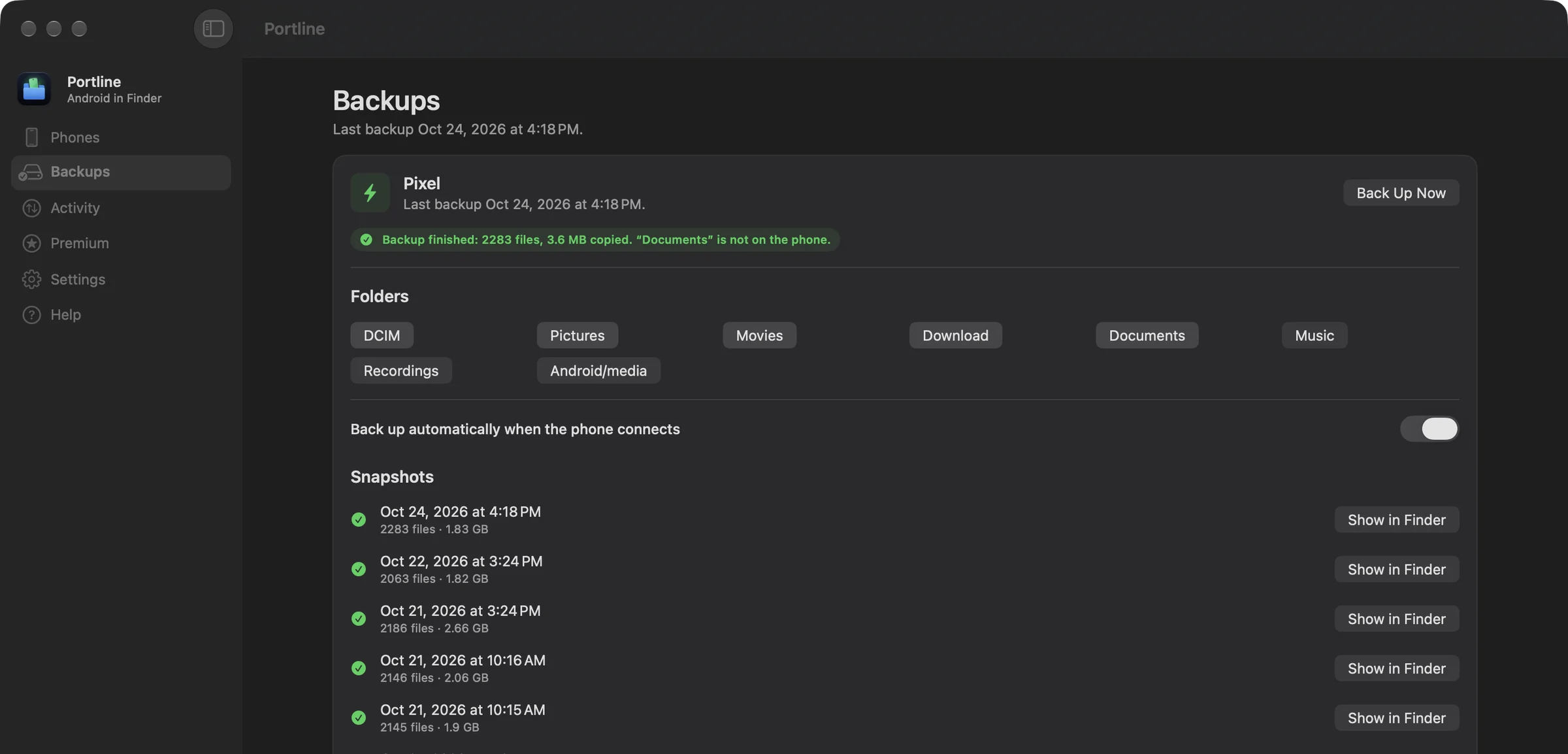
Privacy
Guides
Pricing
US$0
Read-only, free forever
US$11.40 / year
Read and write. One active Mac.
Premium purchases open soon
US$20.40 one payment
Read and write. One active Mac.
Premium purchases open soon
Card required. After 3 days, US$11.40/year unless canceled before the trial ends. One trial per email. Cancel online; your files remain readable when Premium ends.
Prices in US dollars. Applicable tax is shown at checkout. Website and App Store purchases are separate. Terms of Use · Manage license & billing
Version 1.0.1 · macOS 13+ · Apple silicon & Intel
Any phone with a File transfer (MTP) mode works over Standard USB, which is nearly all of them. Advanced USB needs USB debugging on Android 8 or later. Secure Wi-Fi needs Android 11 or later.
No. Standard USB works without it. USB debugging unlocks Advanced USB, which is faster and keeps Finder up to date within seconds.
Yes, on Android 11 and later: PortLine uses Android's paired wireless debugging, which is encrypted and tied to your Mac. The older Wi-Fi mode for Android 10 and below is not encrypted; use it only on a trusted network, or use USB.
Files transfer directly between your Mac and Android device. Buying or recovering a website license requires an email sign-in. The license service stores your email, purchase references, trial eligibility, hashed sign-in credentials, an encrypted recoverable license key, and a random Mac activation identifier. Cloudflare hosts the service, Stripe handles payments, and Zoho Mail sends sign-in emails. We do not receive your full card details, file contents, or file names. The website edition also checks account.getportline.app for new versions; that request carries no license key or identifier.
PortLine is a native Finder location that works the way macOS expects: files open in place, Spotlight finds them, and changes on the phone show up within seconds. In measured tests it reads and opens files several times faster, and in twelve recorded copies over USB debugging, MTP and Wi-Fi it finished first every time. The comparison page has every number and how it was taken.
Google no longer offers Android File Transfer for Mac. PortLine's Standard USB mode covers what it did, inside Finder, and Advanced USB and Secure Wi-Fi go well beyond it.
Website prices are US$11.40 per year or US$20.40 once for lifetime Premium. A three-day trial requires a payment card and automatically renews at US$11.40 per year unless canceled before it ends. One trial per email address. Applicable tax is displayed at checkout. Cancel future renewals through Manage billing; deactivating a Mac does not cancel billing.
macOS 13 Ventura and later, on Apple silicon and Intel Macs.
Free to browse. macOS 13 or later.